A taco shop owner opens a second location across town. Six months later, customers are calling the original store to ask why the new one was closed on Monday when the listing said it was open. Nothing is wrong with the food. The problem is information that drifted out of sync.
Why Accuracy Gets Harder With Each Location
One location means one set of hours, one phone number, and one address to maintain. Each new location multiplies that work. Holiday hours, seasonal menus, temporary closures, and new managers all create chances for details to slip.
Search engines and customers both depend on these details. Inaccurate hours lead to wasted trips and frustrated reviews. Mixed-up phone numbers send calls to the wrong store. Over time, those small errors weaken trust in the whole brand.
Set Up a Simple Source of Truth
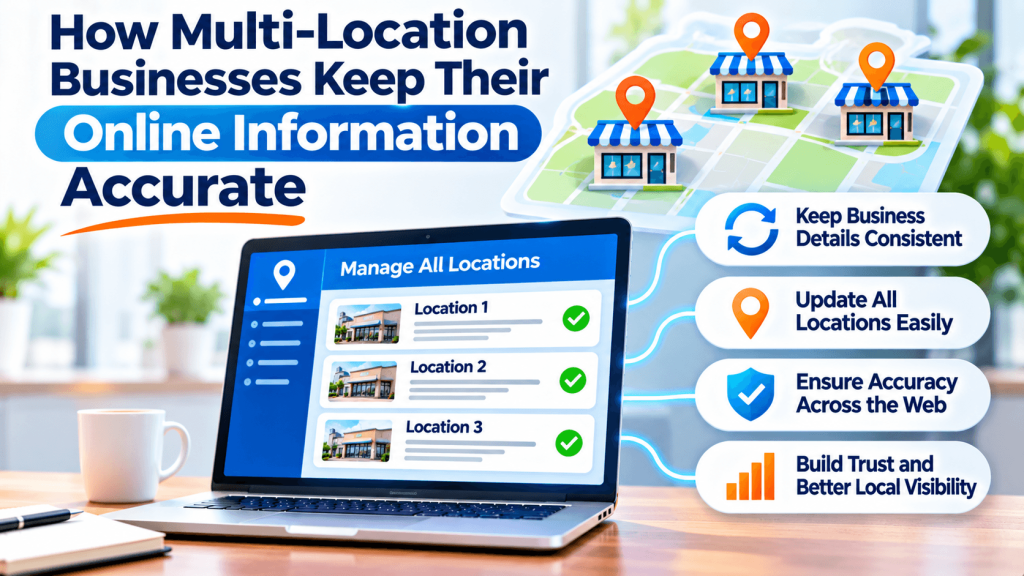
The most practical fix is a single master record. A shared spreadsheet works fine for most small chains. List each location with its exact business name format, street address, local phone number, hours, holiday exceptions, and the URL of its own page on your website.
Then decide who owns updates. In many restaurant groups, a general manager reports changes and one person at headquarters updates every platform. Without that rule, one manager updates Google, another updates the website, and nobody touches the directories. Your master record should also list every platform each location appears on, from Google and Yelp to directories like MasterWebDirectory, so nothing gets missed.
Practical Steps and Common Mistakes
Give every location its own landing page on your website, with its own address, hours, and menu link. Point each listing to the matching page rather than your homepage, so customers land on the right information.
Use Google Business Profile’s bulk management tools if you have ten or more locations, and review each listing at least quarterly. When you list on general directories, create a separate entry per location and choose the right category. A restaurant group, for instance, fits naturally in a directory’s Food and Drink section, where diners already browse by cuisine and area.
Common mistakes include listing a corporate phone number for every location, forgetting to remove closed stores, and naming locations inconsistently. Pick one naming pattern, such as “Brand Name – Neighborhood,” and use it everywhere.
Conclusion
Growth should not mean confusion. A master record, clear ownership of updates, and a regular review schedule keep every location’s information dependable. Once your spreadsheet is ready, check each location on Google, your website, MasterWebDirectory, and other listings to confirm they match.
Frequently Asked Questions
Should each location have its own phone number on listings?
Yes, whenever possible. A local number for each location helps customers reach the right store and reduces confusion across platforms. If all calls route through a central line, make sure that line is used consistently and that staff can direct callers quickly to the correct location.
How do I handle holiday hours across many locations?
Plan them a few weeks ahead and record them in your master spreadsheet. Google Business Profile has a special hours feature that you can update in bulk. Then update your website and any directories that support holiday hours, and remove the special hours once the holiday passes.
What should I do when a location closes permanently?
Mark it as permanently closed on Google Business Profile rather than deleting it, and update or remove its directory listings. Redirect its website page to a nearby location or your locations page. This prevents customers from showing up at an empty storefront and leaving frustrated reviews.
Can different locations use different business names?
They can if they are genuinely branded differently, but most chains should use the same core brand name with a consistent location descriptor. Avoid adding keywords to the business name, such as “Best Tacos Downtown,” since Google’s guidelines discourage it and it can cause listing problems.